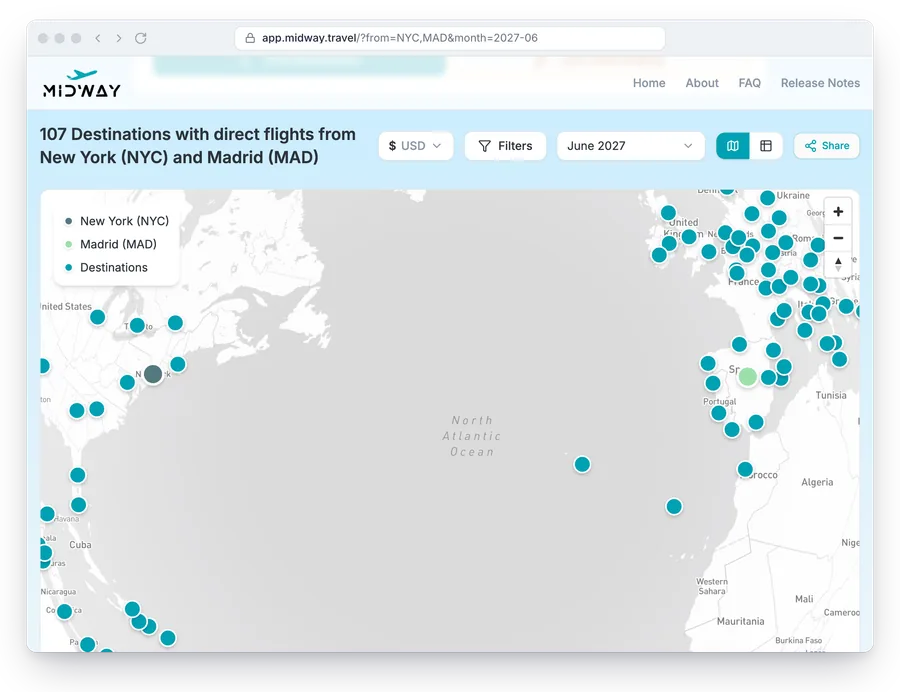
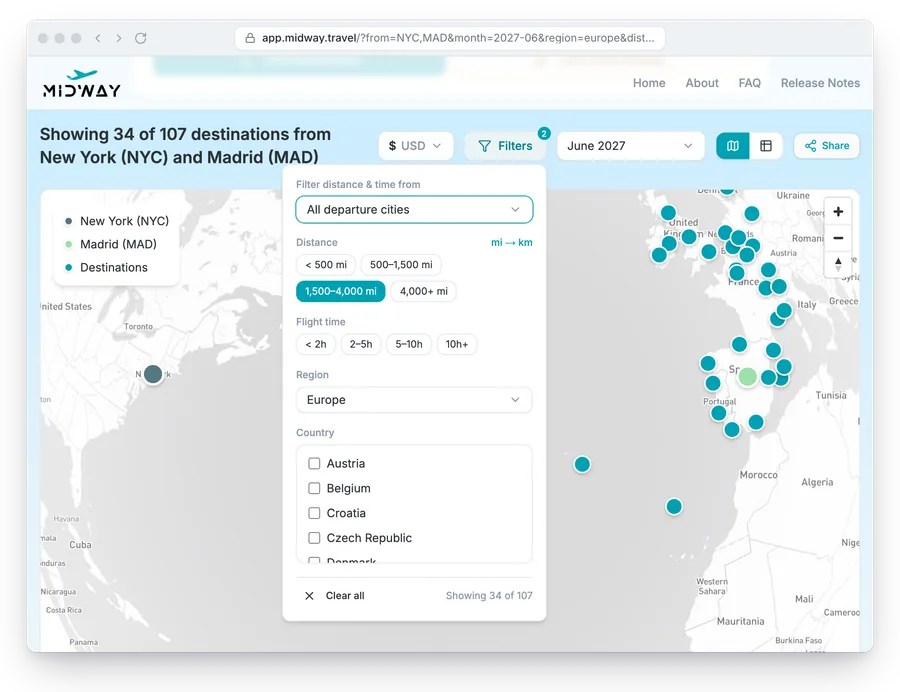
Every search in Midway lives in the page URL: the departure cities, the month, the view and each filter. Copy the address or use the Share button, and whoever opens the link sees the same results. Nobody needs an account to open it.
Filters saved in the link
The filter panel narrows the results by distance, flight time, region and country. You can measure distance and flight time from all departure cities or from one of them, which helps when one person has the longest trip. A toggle switches distances between miles and kilometres.
Each filter you set is added to the URL, next to the cities and the month. The results heading says how many destinations are left out of the full list, so the group knows the shortlist is filtered.
Share buttons
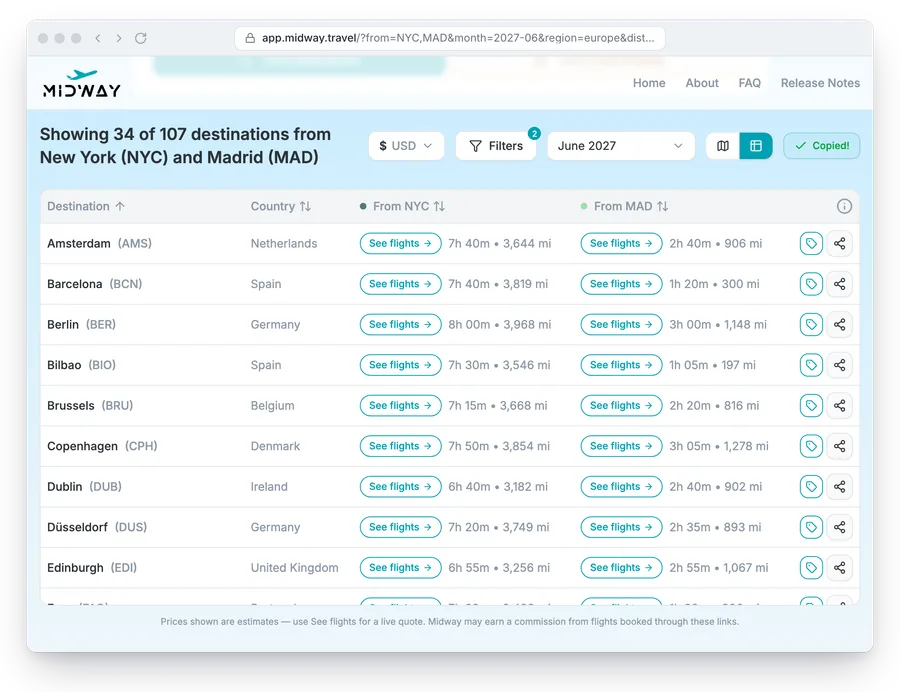
The Share button above the results copies the link to your clipboard, or opens the share sheet on a phone. It shares the search as it is, with every filter you set.
A link to one destination
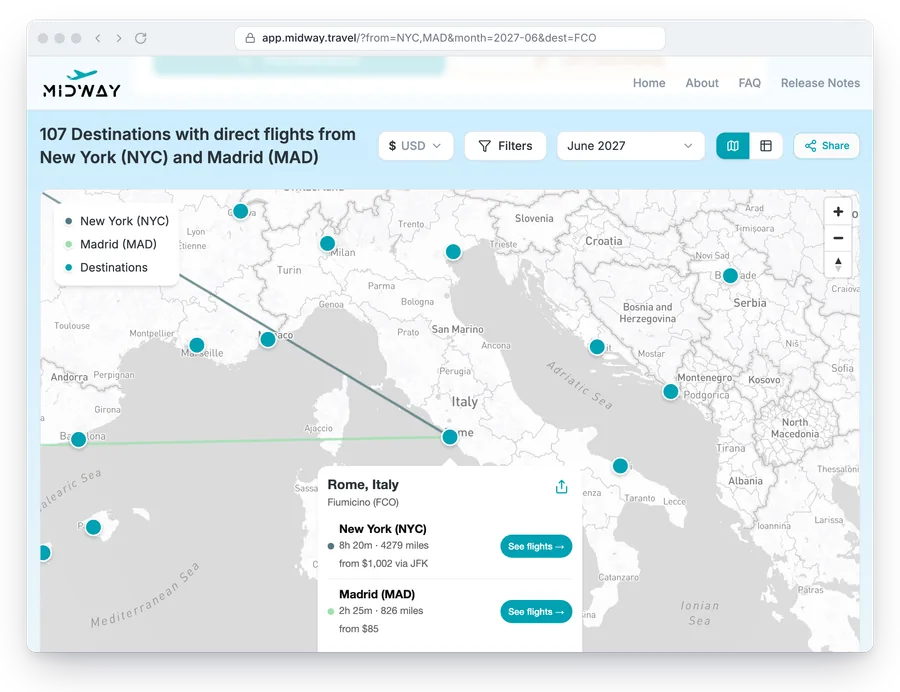
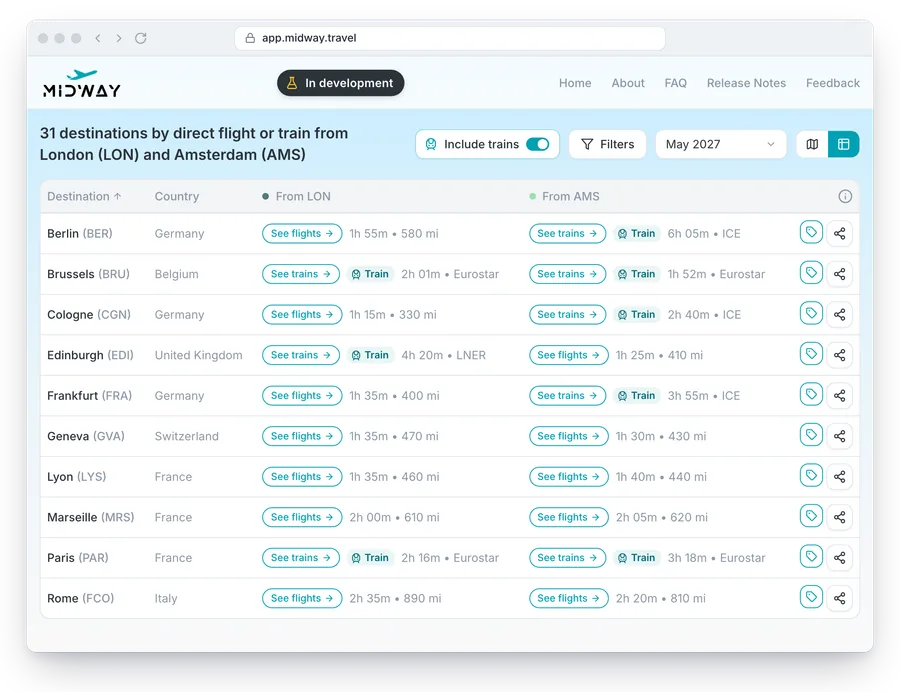
Each destination also has its own share button, in its map popup and on its table row. That link adds the destination to the URL, so it opens with the destination highlighted: its popup on the map, or its row in the table.
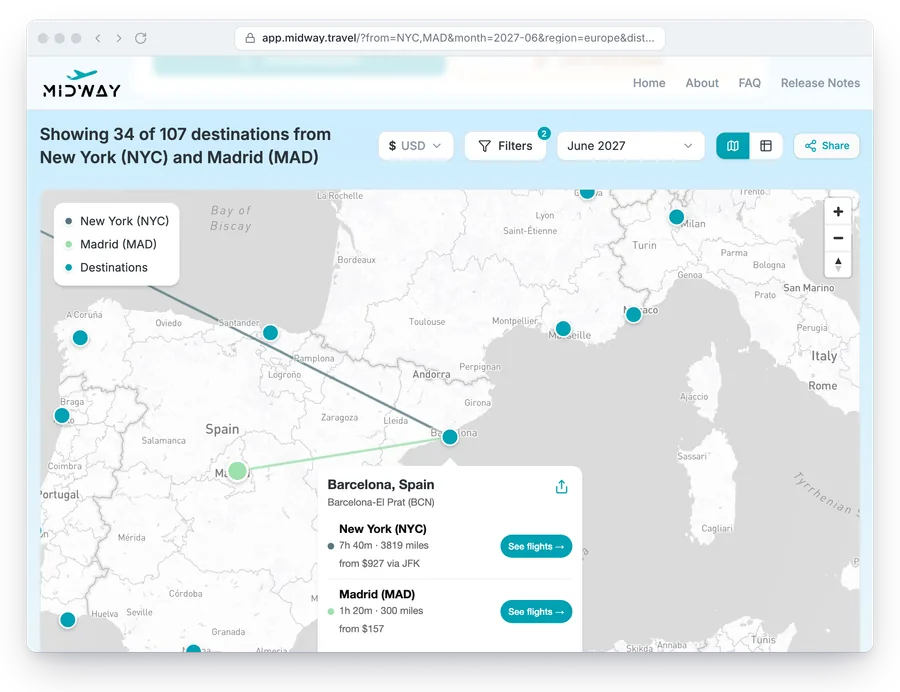
A shared link shows the data as it is when someone opens it. If a route changes before then, the results change with it.
Group chat and ranking
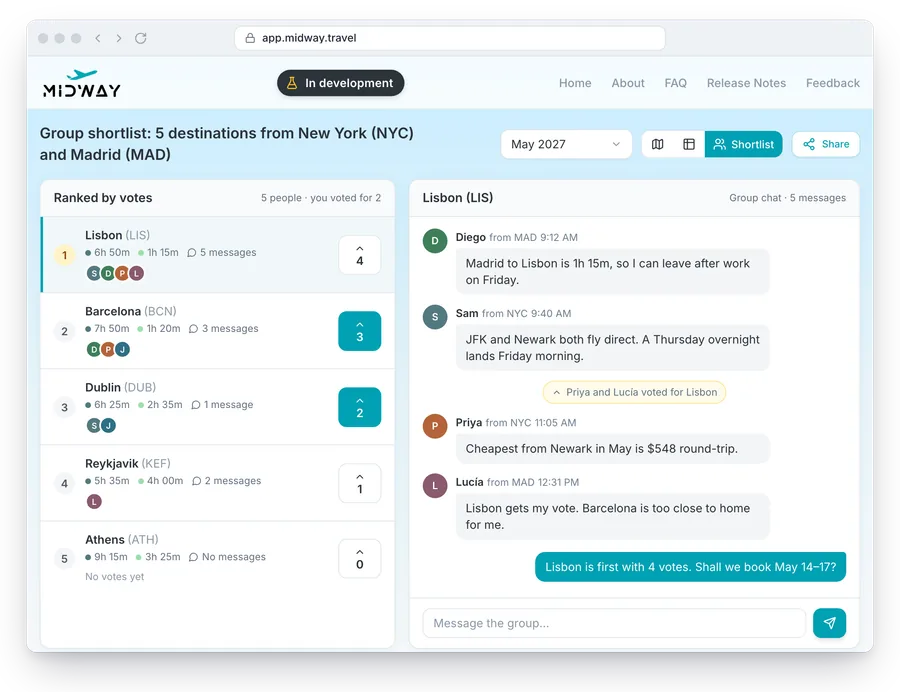
Group chat and ranking are in development and not in the app yet. The group will be able to vote on the destinations in a shared shortlist and see them ranked by votes.
Each destination will also have its own chat thread, so the discussion about one city stays next to its flight times instead of in a separate group chat.