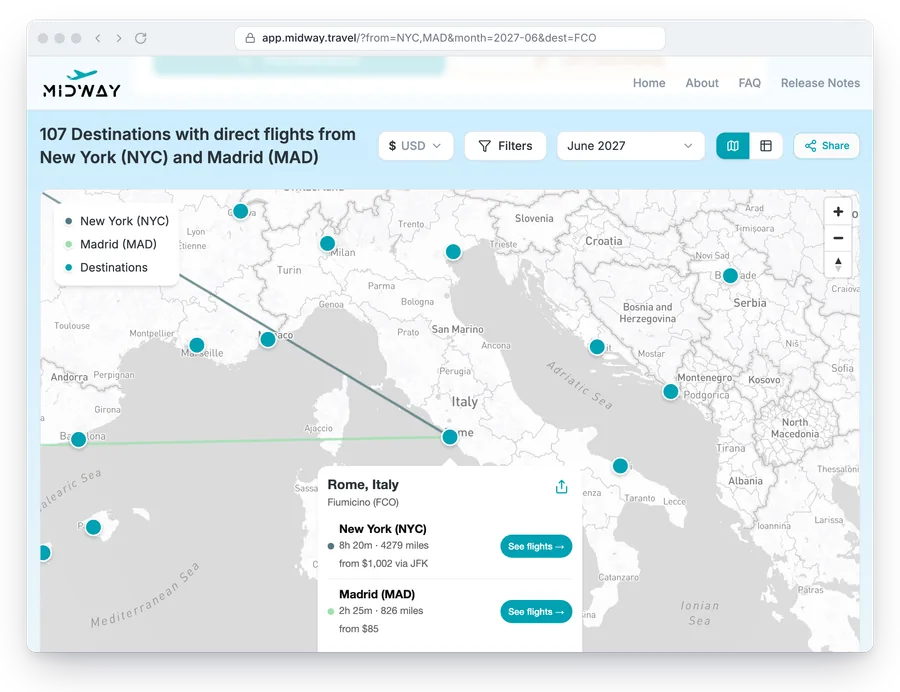
When you open a destination, Midway shows the cheapest direct round-trip fare from each departure city. The fares come from Kayak’s Flight Price Insights, which is built from recent searches on Kayak. So they are estimates of what the route costs, not live quotes, and a route with little search traffic may have no price yet.
Where prices appear
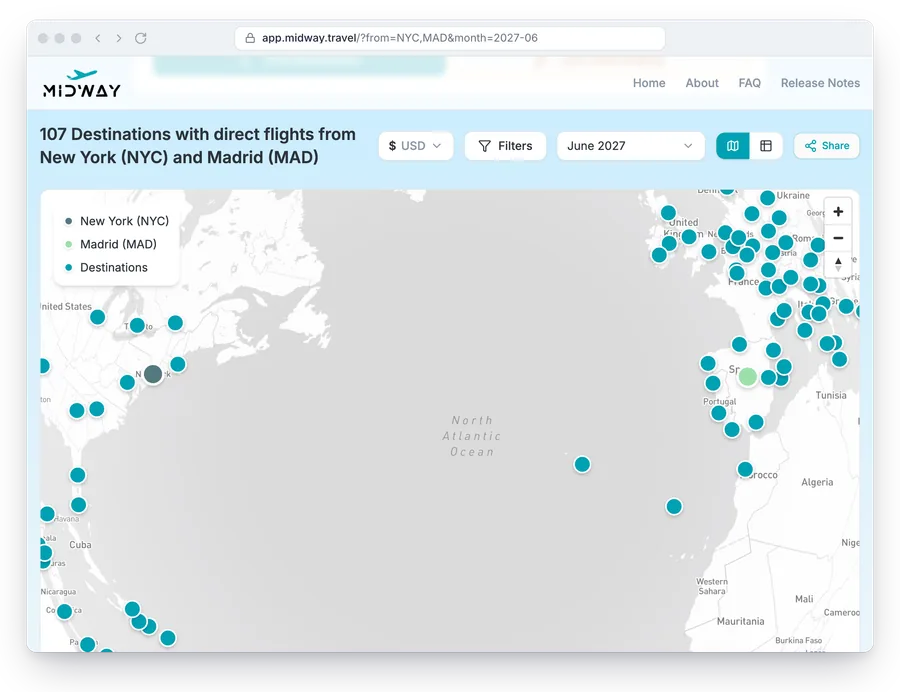
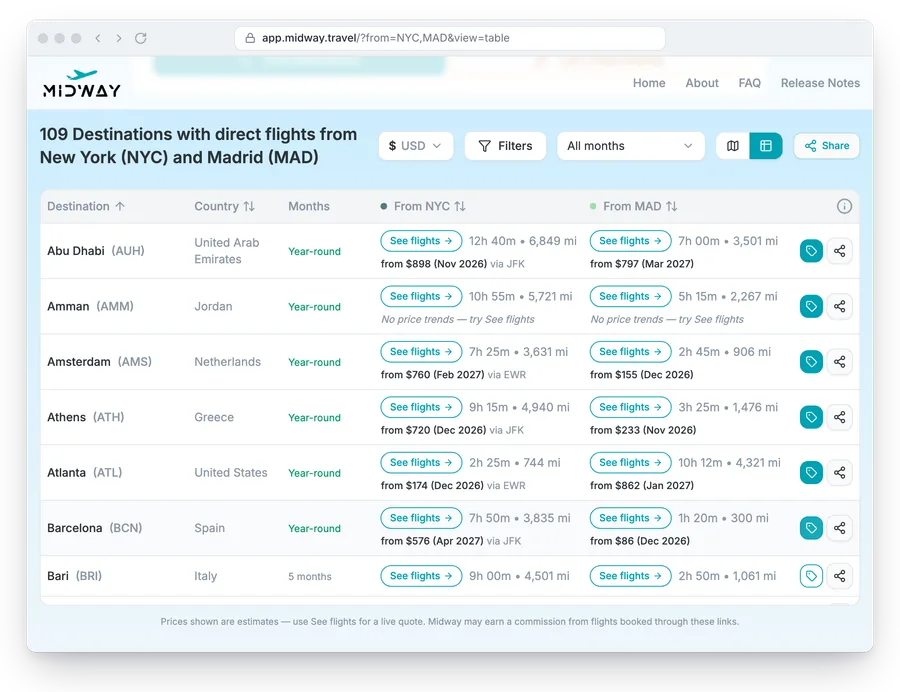
Prices load when you ask for them, one destination at a time. On the map, open a destination and its popup lists a fare under each departure city. In the table, click the tag button on a row, and the fare appears under each city’s flight time.
When a departure city has more than one airport, such as NYC, the fare is the cheapest of them and says which airport it leaves from (“via EWR”). If Kayak has no data for a route, the row says “No price trends” instead.
Cheapest month
With a month selected, each fare is the cheapest for that month. With “All months” selected, Midway shows the cheapest fare across the coming months and the month it falls in, which is a quick way to see when a trip costs least from each city.
Currency and Kayak links
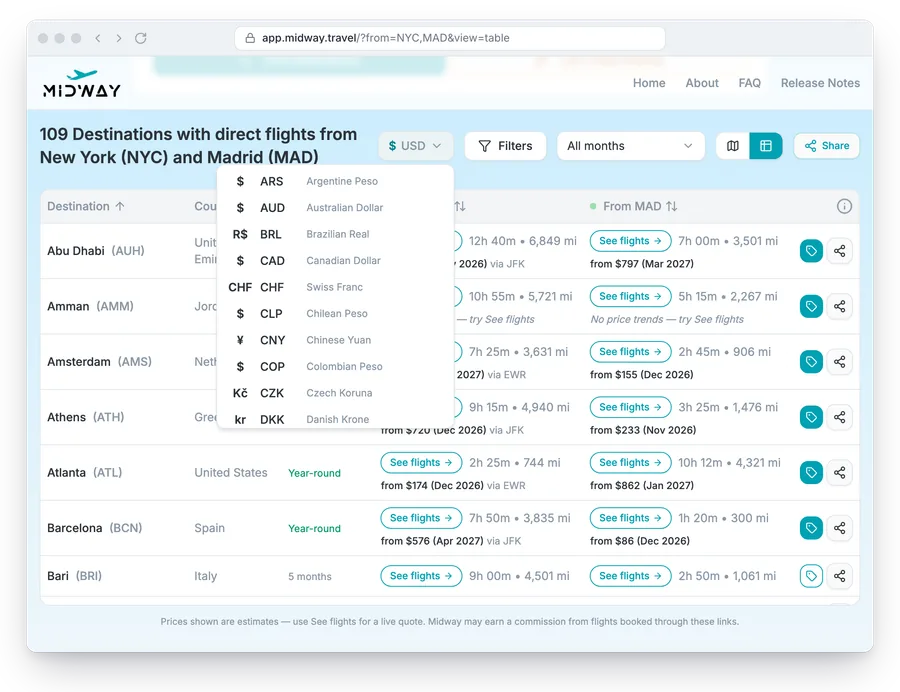
Prices are in the currency of your browser’s language, and the currency picker next to the filters changes it. The picker also sets which Kayak site the links open, for example kayak.com for US dollars.
Each departure city has a “See flights” button that opens a Kayak search for that route with the direct-flight filter on. With no month selected, the search picks a long weekend in the coming months that has flights. Midway may earn a commission from flights booked through these links. Check the final price on Kayak before you book, since the fare shown in Midway is an estimate.
Budget filter
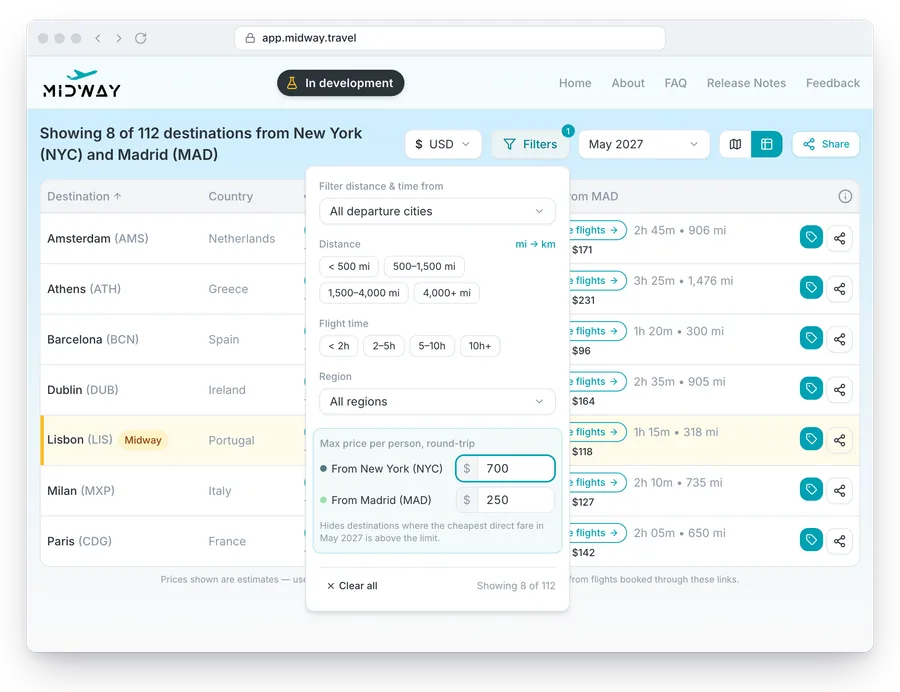
The budget filter is in development and not in the app yet. You will set a maximum round-trip price per person for each departure city, and Midway will hide the destinations above it.
A separate limit per city matters because fares differ a lot by origin. A flight from Madrid to Rome can cost a fraction of the fare from New York.